Document scanner
Capture pages and save clear digital documents.
Capture a receipt, contract, or whiteboard—or import a file. Adjust the page edges, extract text when needed, then save, organize, or share the finished PDF.
Work through each page without retaking the photo or moving between scattered files.
Adjust the edges and improve a page before saving a digital copy.
Extract text from a photo or scan instead of typing it again.
Keep documents in an organized library and reopen them when needed.
Start with the camera or an existing file, then review the pages before saving or exporting.
Point your camera at a document or import an existing file.
Check the crop, arrange pages, and extract text when needed.
Keep it in your library or export it to share.
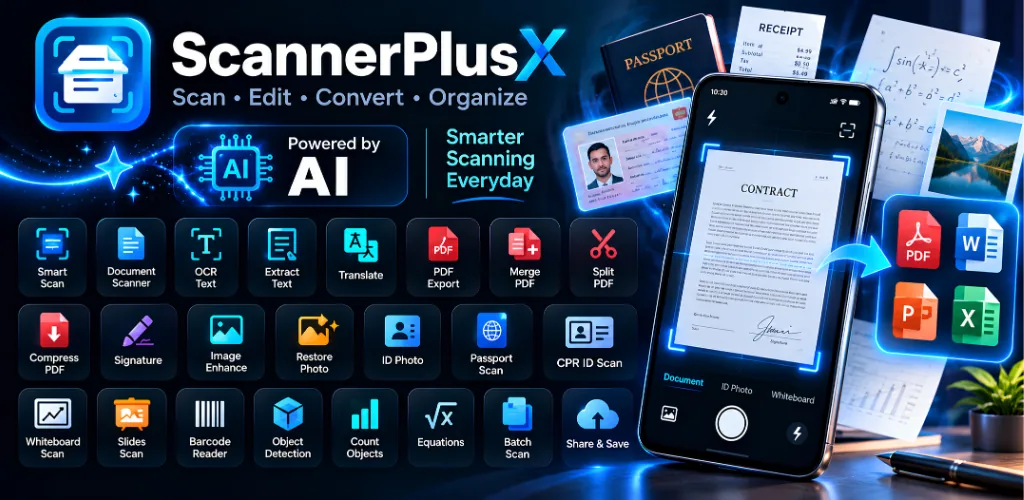
Scan, understand, edit, convert, and organize from one Android workspace. These are the real tools and icons used in ScannerPlusX.
Capture pages and save clear digital documents.
Capture several pages in one session.
Frame identity documents for a clean copy.
Turn board notes into a readable document.
Read text from an image or scanned page.
Translate extracted text when needed.
Improve the clarity of scanned images.
Count items in an image with a smart tool.
Review and edit PDF pages.
Add a signature to a document.
Combine PDF files into one.
Reduce PDF file size for sharing.
Split a PDF, turn images into one file, or export content to an office format. The app also includes camera modes for slides, codes, and ID photos.
These short examples show what to frame before you save a whiteboard, passport, or paper document.
Basic scanning and saving happen on your device. Connected features such as sync and AI tools run when you choose to use them. See the privacy policy for details.
Read the privacy policy
An app focused on a clear, practical document experience. Follow the developer's work and connect on GitHub.
Scan a page, extract its text, and prepare a PDF to share from your phone.